PHOTOSHOP UXP • BUILT FOR CREATORS & PRINT BUSINESSES
Stop repeating. Start creating at scale.
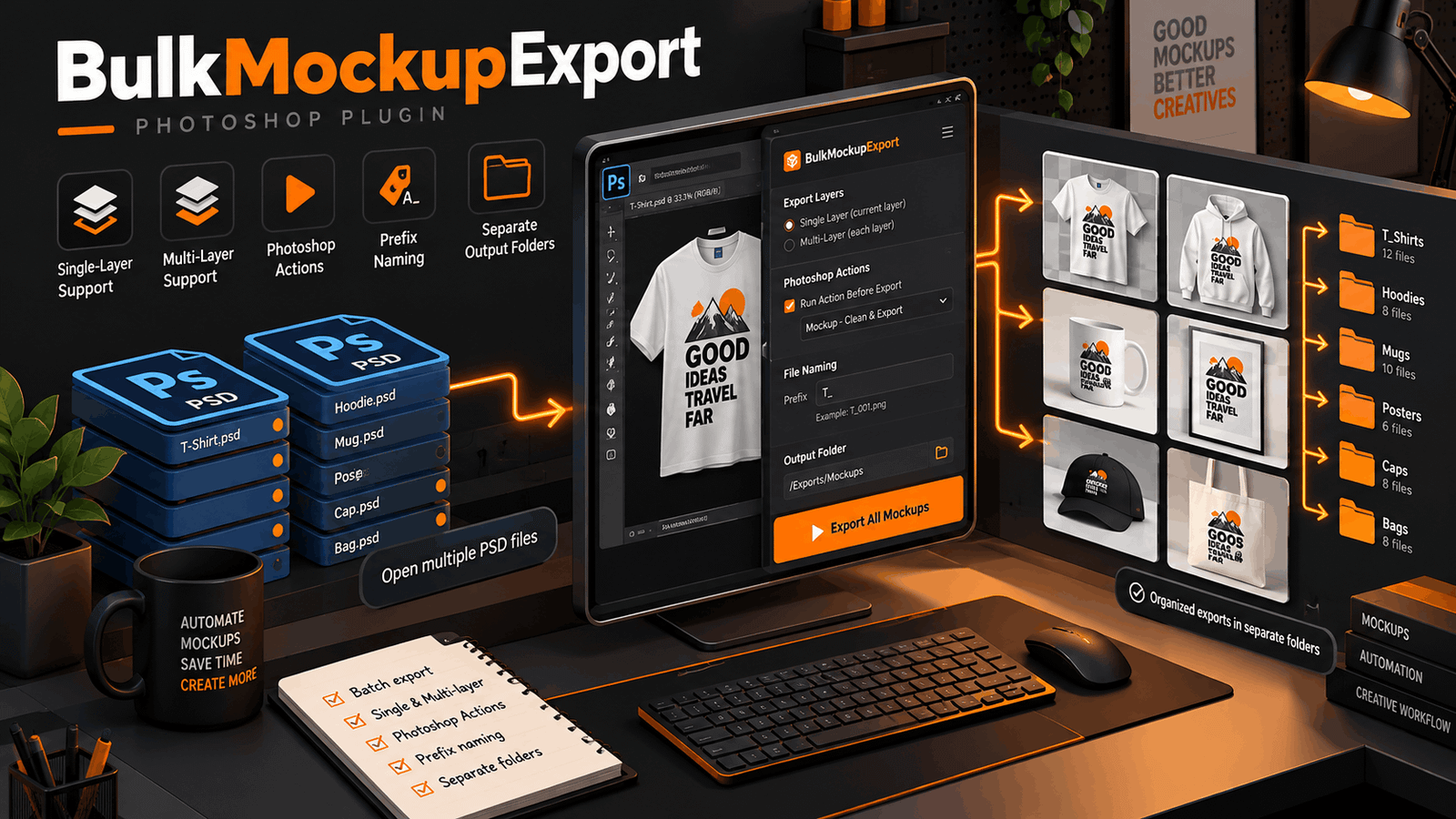
BulkMockupExport automates your Photoshop mockup production — from smart-object replacement to batch exporting. Turn repetitive PSD work into a smoother, faster workflow.
Repetitive Photoshop tasks shouldn’t set the pace of your business. Let BulkMockupExport handle the mechanical work so you can focus on designs, clients and orders.
One Photoshop workflow. Fewer repetitive steps, more consistent output.
EVERYTHING YOUR PRODUCTION LINE NEEDS
Powerful automation. Simple control.
From a single product mockup to large print-on-demand batches, build a workflow that works the way you work.
01
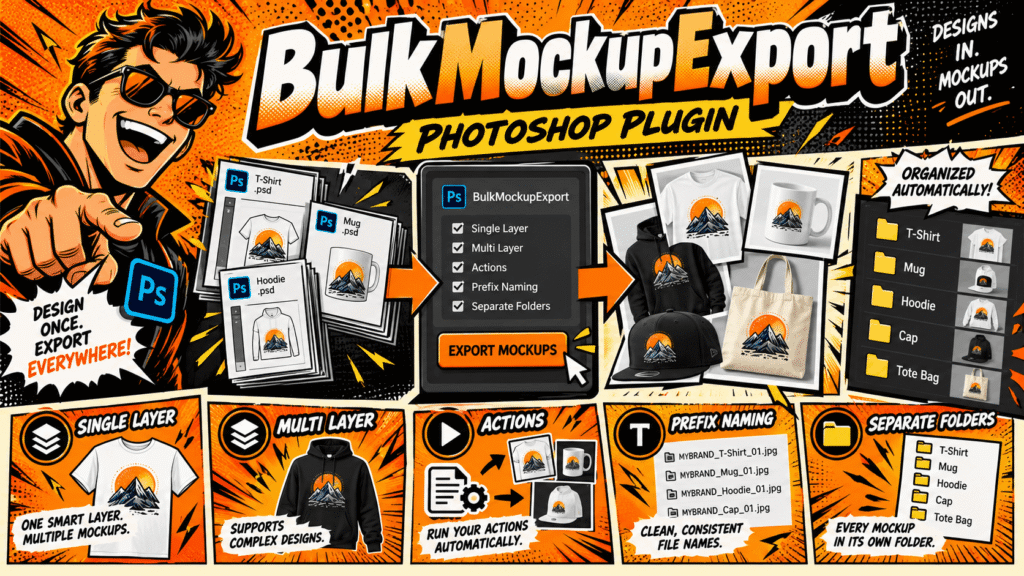
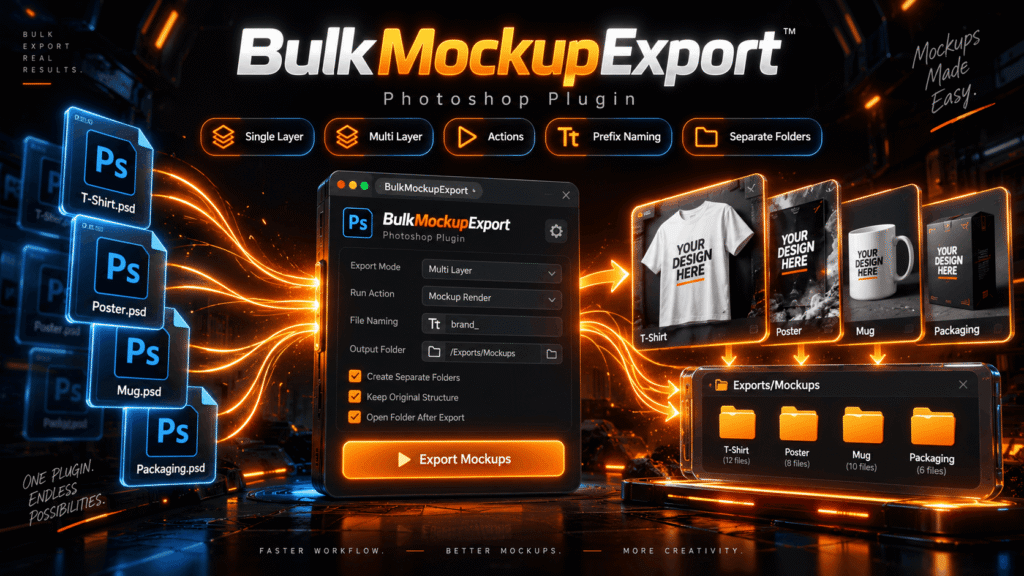
Batch smart-object replacement
Prepare mockups across your Photoshop PSD templates without repeating the same edits.
02
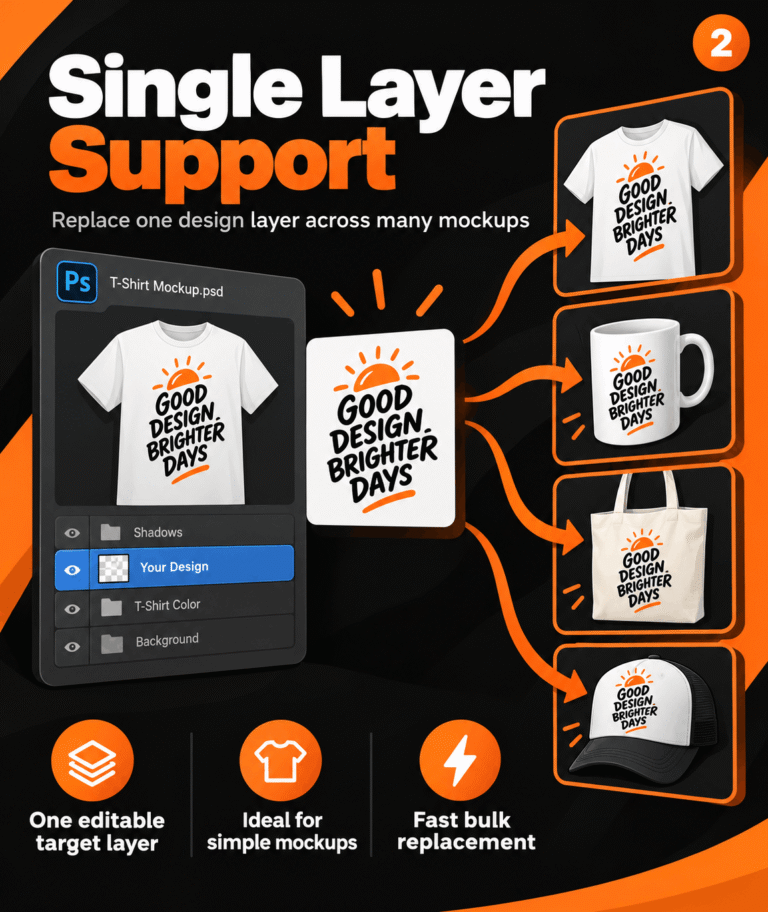
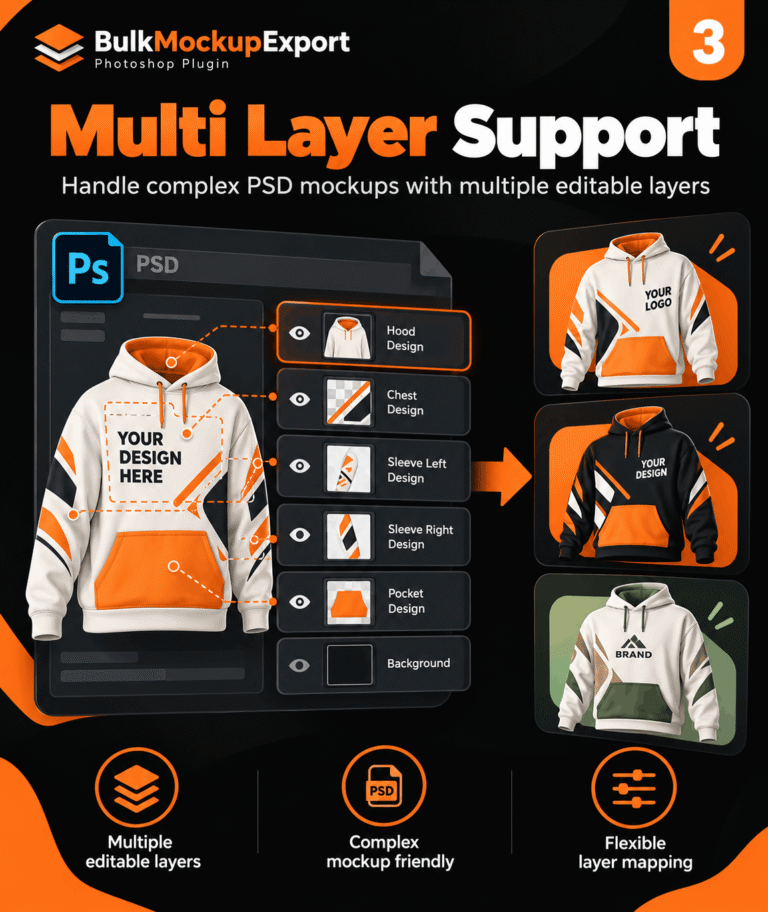
Single and multi-layer templates
Work with simpler single-layer files and more complex multi-layer mockup layouts.
03
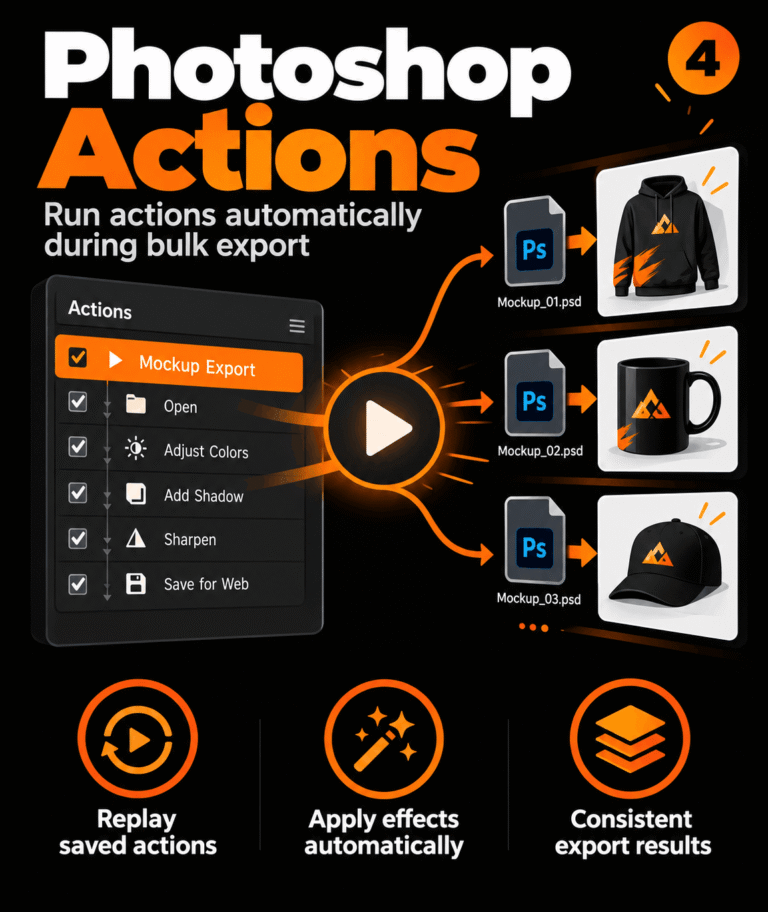
Photoshop Actions
Run your recorded Photoshop Actions as part of your batch workflow.
04
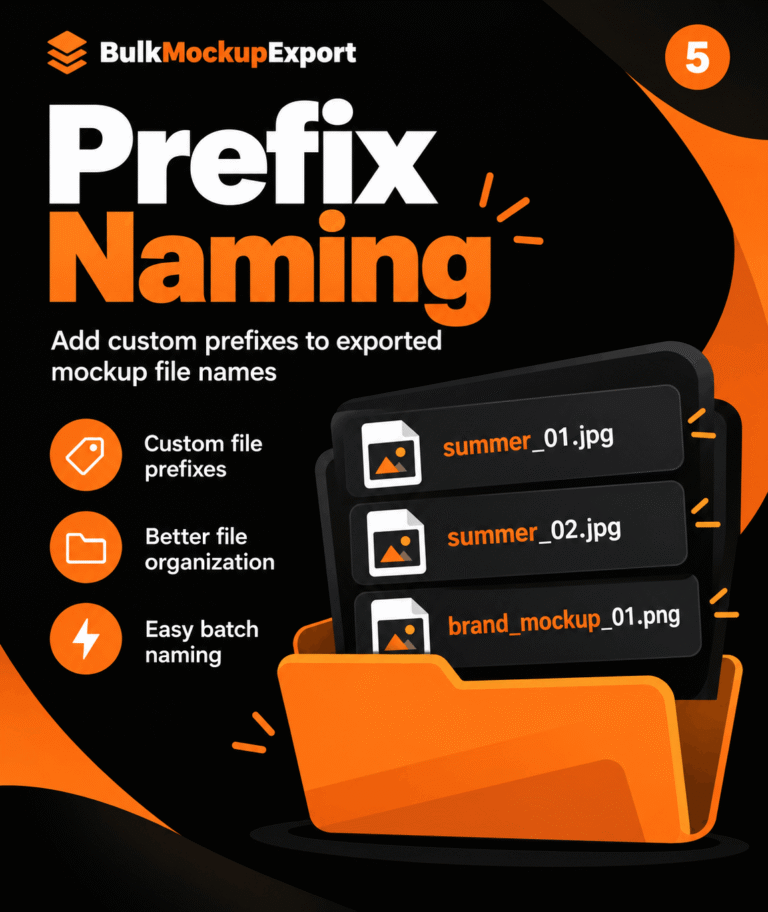
Flexible naming
Use prefixes and organized output names for exported assets and project files.
05
Automatic sizing
Reduce repeated positioning with automatic image scaling and alignment.
06
Unlimited local generation
No per-image cloud credits — generate as much as your hardware can handle.
THE WORKFLOW, IN PICTURES
See the possibilities. Imagine the output.
Explore creative workflows, product formats and polished mockup presentations using the showcase images below.
ONE WORKFLOW. MANY FILES.
Scale your product previews without extra busywork.
Keep your PSD templates in your existing Photoshop workflow. Replace artwork, process batches and export mockups with fewer repetitive clicks.
BulkMockupExport is an Adobe Photoshop UXP plugin that helps automate bulk mockup creation. Instead of opening each PSD and replacing artwork manually, you can run a repeatable smart-object workflow to prepare and export many product mockups.
The plugin is designed for Adobe Photoshop CC 2021 and newer versions that support the UXP plugin platform. For the best results, use compatible PSD mockup templates and check the plugin requirements before purchasing.
Yes. BulkMockupExport is built for batch processing across multiple compatible Photoshop PSD templates, which can reduce repetitive steps when preparing different product views or mockup styles.
Yes. You can work with compatible single-layer templates as well as more complex multi-layer mockups. This is useful when a product design uses more than one printable surface, such as certain mug or apparel templates.
Yes. BulkMockupExport supports Photoshop Actions within the batch workflow. You can record a Photoshop Action for supported editing steps and use it to keep repeated processing more consistent.
BulkMockupExport includes automatic resizing and alignment features to reduce manual positioning. Results depend on the template’s smart-object setup and your chosen export workflow, so test representative PSD files before a large batch.
Mockup processing runs locally in Adobe Photoshop rather than using cloud image-generation credits. There are no per-image cloud export credits; performance and batch size depend on your computer and PSD complexity. Licensing or installation steps may require internet access.
The plugin includes options for output prefixes and naming, helping you organise finished mockup images and project folders. A consistent naming approach is especially useful for e-commerce product listings and print-on-demand catalogues.
It can be useful for print-on-demand businesses, designers, mobile-cover and apparel sellers, sublimation workflows and online stores that produce many Photoshop mockups. The key requirement is having compatible Photoshop PSD templates.
Use the Purchase Annual License button on this page to open the existing checkout. The page advertises an annual licence with up to three users; review the checkout total and confirm licence terms or support details before payment.
MAKE MOCKUPS YOUR COMPETITIVE ADVANTAGE
Spend less time repeating. More time creating.
Upgrade your Photoshop mockup workflow with BulkMockupExport.